Make the garden your own
The skin picker includes 88 individual fruit looks across 8 sets, plus 16 scenes and 7 clouds: 111 included looks in total. Every look is unlocked. You can change the mood of your garden without changing the score, fruit sizes or merging rules.
How do you change or mix fruit skins?
Open Skins and choose Fruits. Apply a complete set, or use Apply to to pick one level and mix it with other styles. These previews show the highest-level fruit from each set.
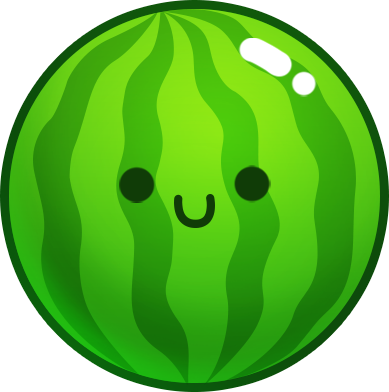 Sprite fruits
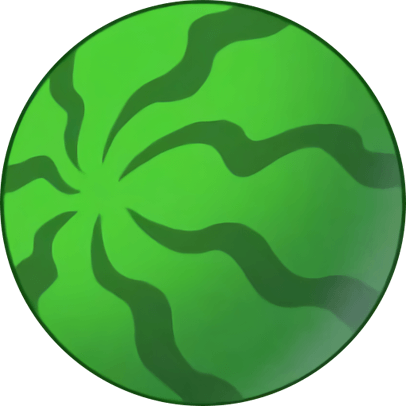 Classic fruits
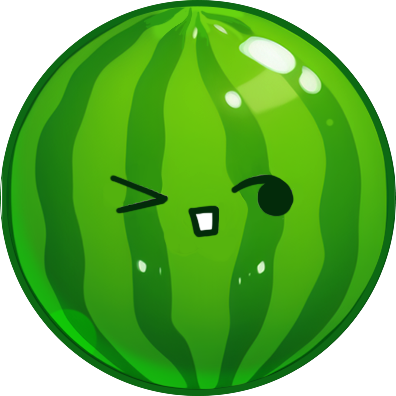 Baby fruits
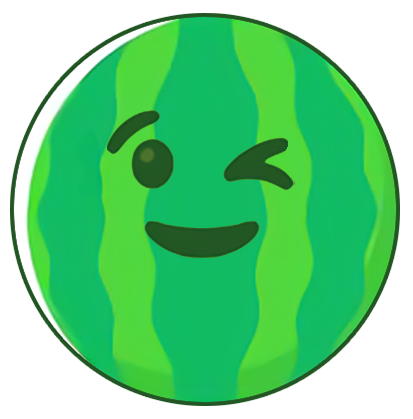 Funny faces
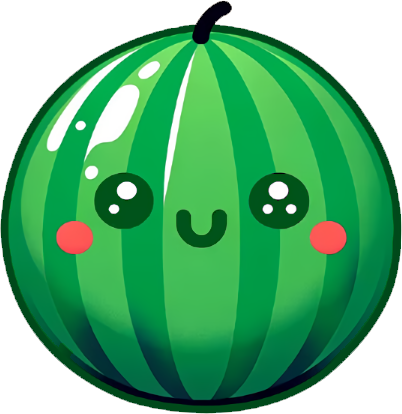 Bright eyes
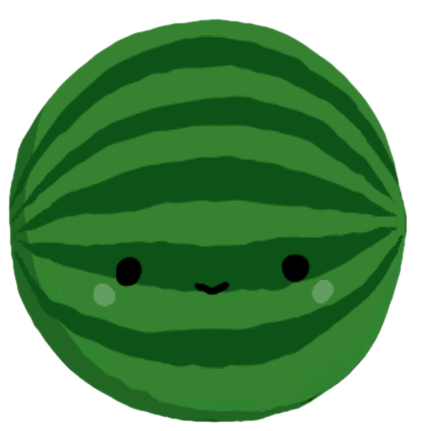 Goofy fruits
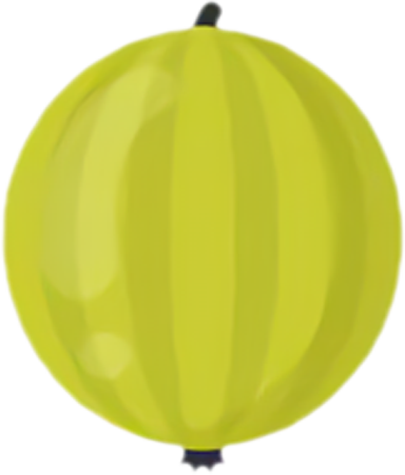 Fresh & flat
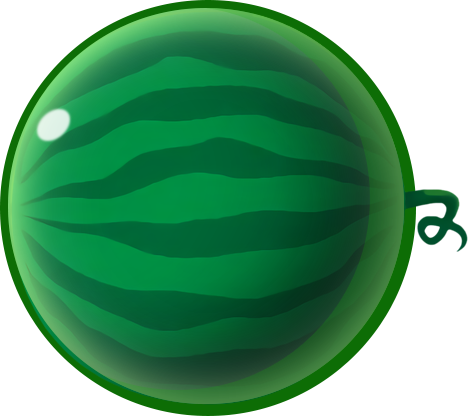 Crystal fruits
What can you change in the scene?
The Scenes tab changes the illustration behind the bottle. The Clouds tab changes the decoration above the drop area. Choose from 16 scenes and 7 clouds, including a little cloud, animals, a rocket and a hot-air balloon.

Will your skin choices be saved?
Changing a look keeps your round. Skin preferences are saved locally when browser storage is available, alongside your best score and current game. A different device or cleared browser data starts with the default looks.
Do skins change the game rules?
Skins are cosmetic. The 11 collision sizes, drop cooldown, points and overflow timer are the same in every set. Use the fruit-family strip to recognize the current look at each level.